Everything a small ML team
actually needs.
No Kubernetes, no cloud bill, no DevOps engineer required. Just the things that matter.
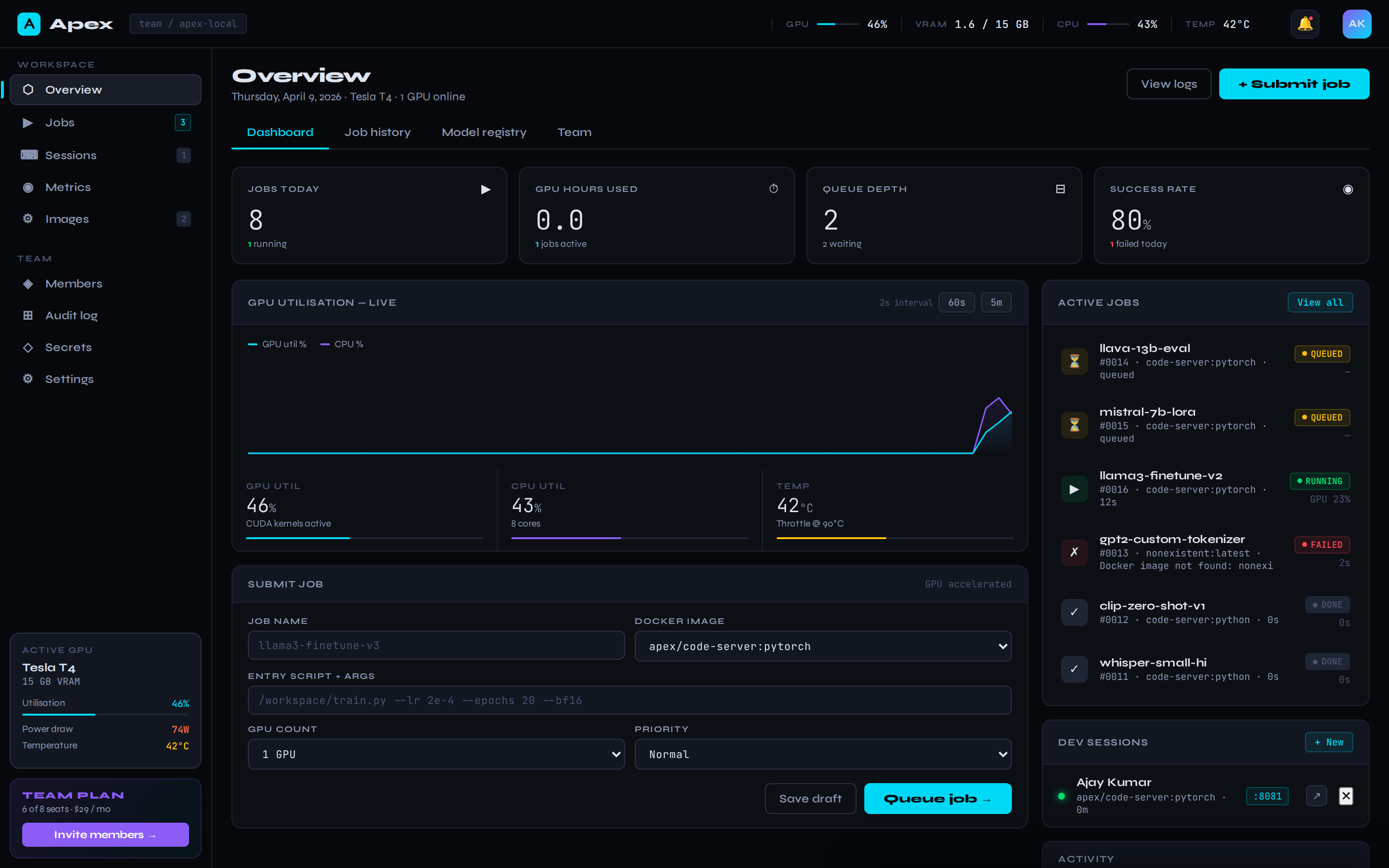
Live overview dashboard
Jobs today, GPU hours used, queue depth, success rate — at a glance. Updates in real-time via server-sent events.
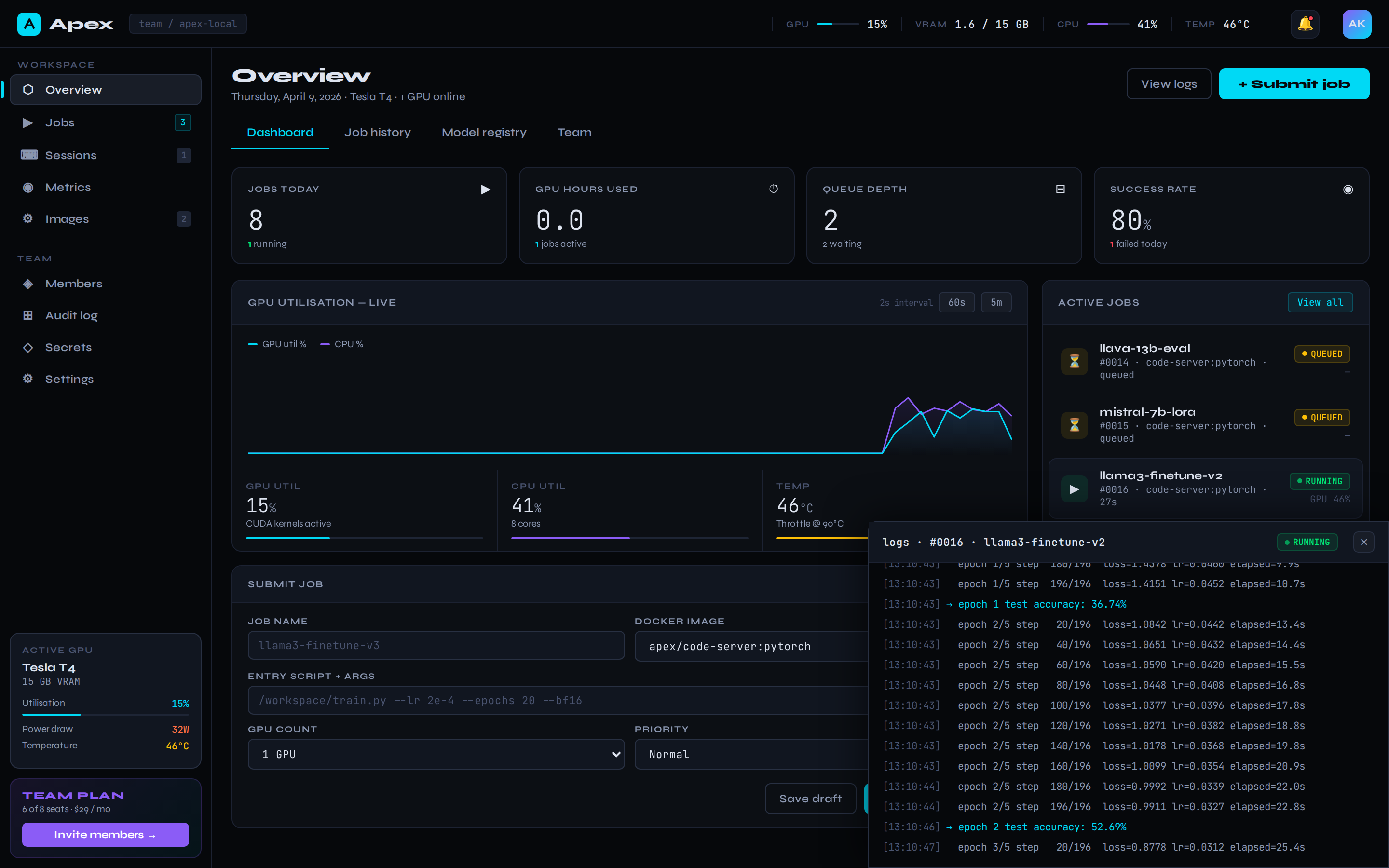
Live training logs
Click any running job to attach a WebSocket log stream. See loss curves, step counts, and OOM warnings as they happen.
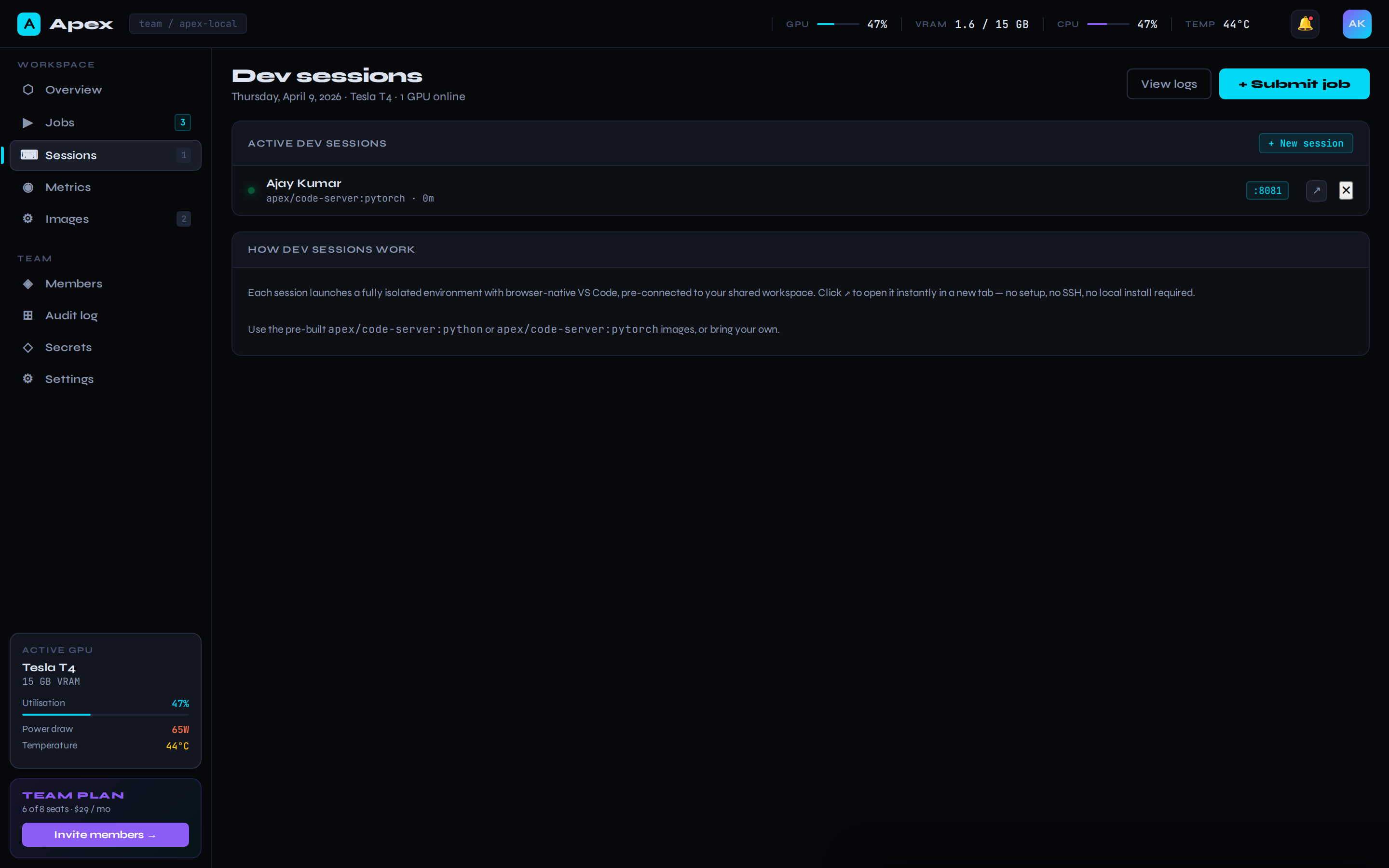
Browser VS Code in one click
Launch a code-server container on a free port with your workspace pre-mounted. Full VS Code, no install, GPU attached.
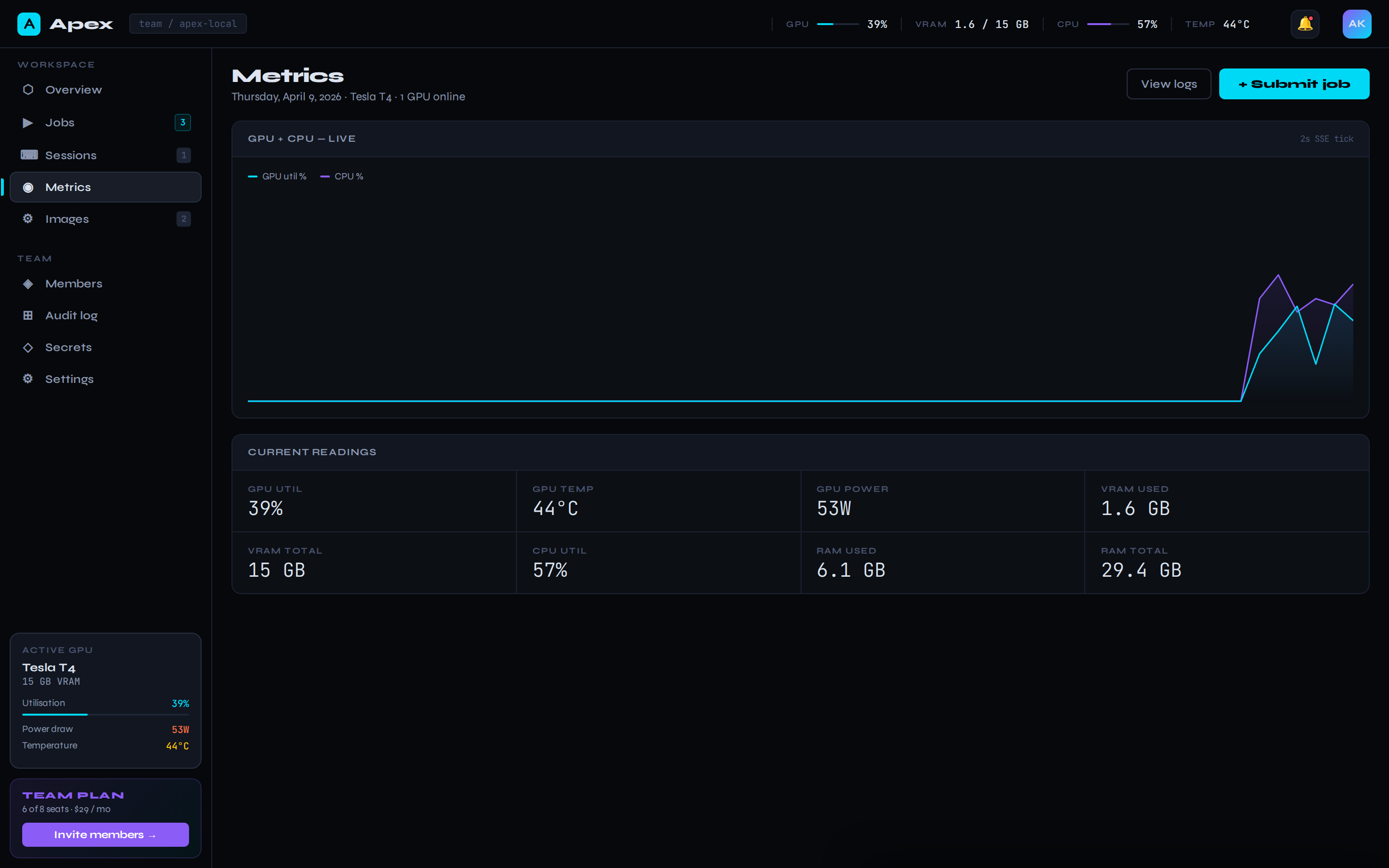
Real GPU telemetry
pynvml under the hood. GPU util, VRAM used/total, temperature, power draw, CPU, RAM — every 2 seconds, in the topbar and on the metrics page.
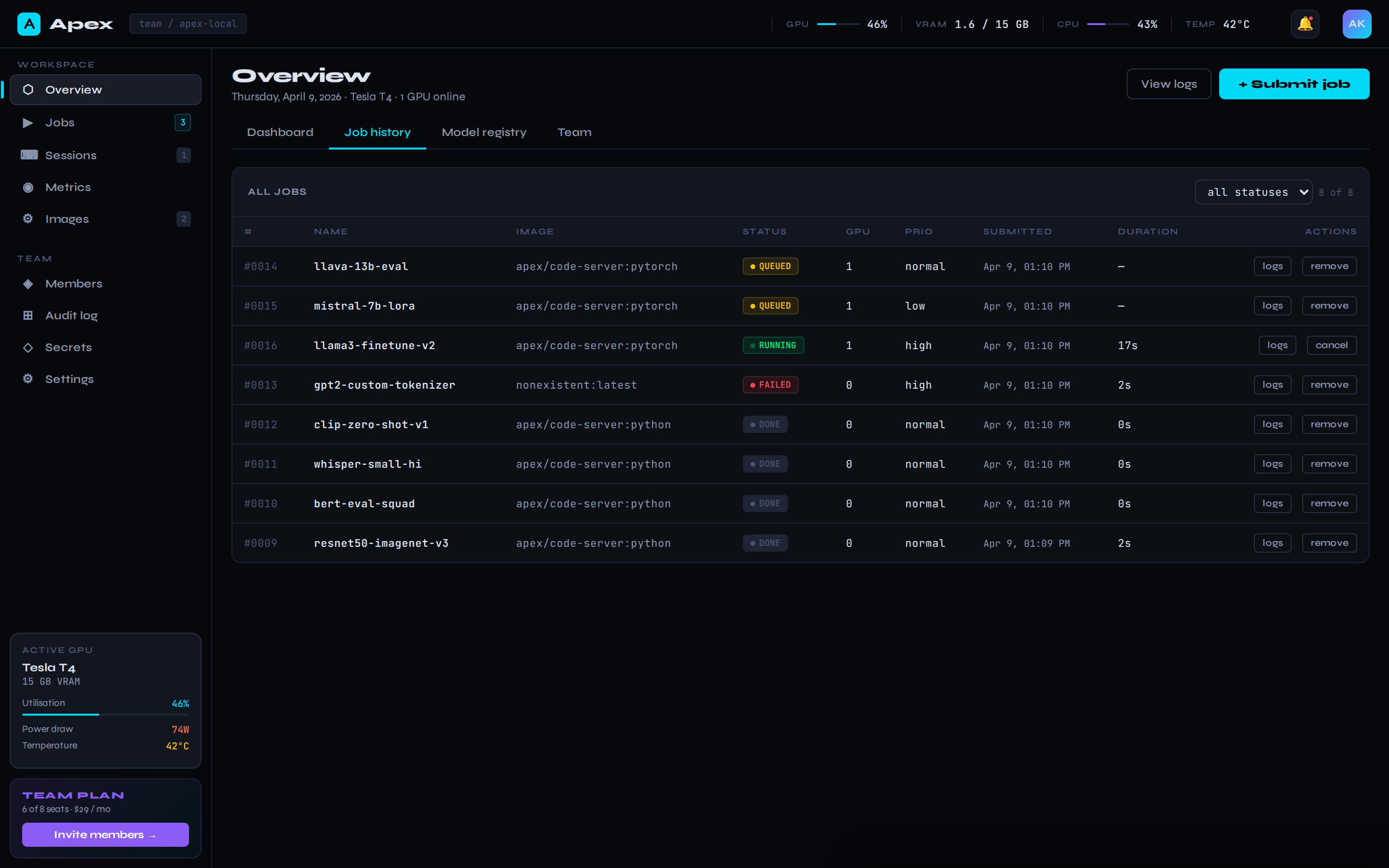
Full job history
Sortable table of every job you've ever run. Filter by status, tail logs for any of them, cancel running jobs, remove old ones.
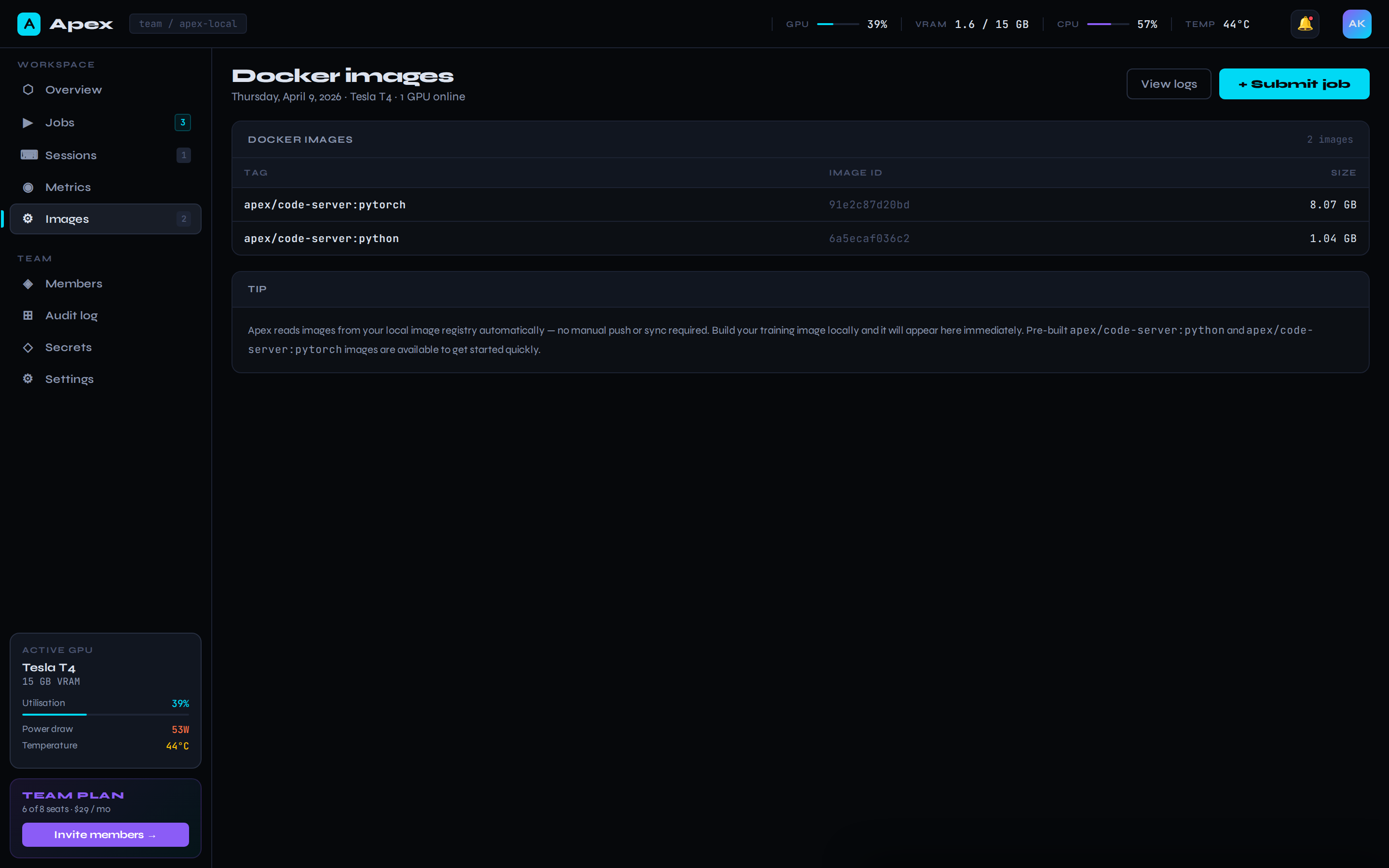
Native Docker integration
Reads directly from your Docker daemon — no registry push required. Pre-built apex/code-server images for Python and PyTorch-CUDA included.